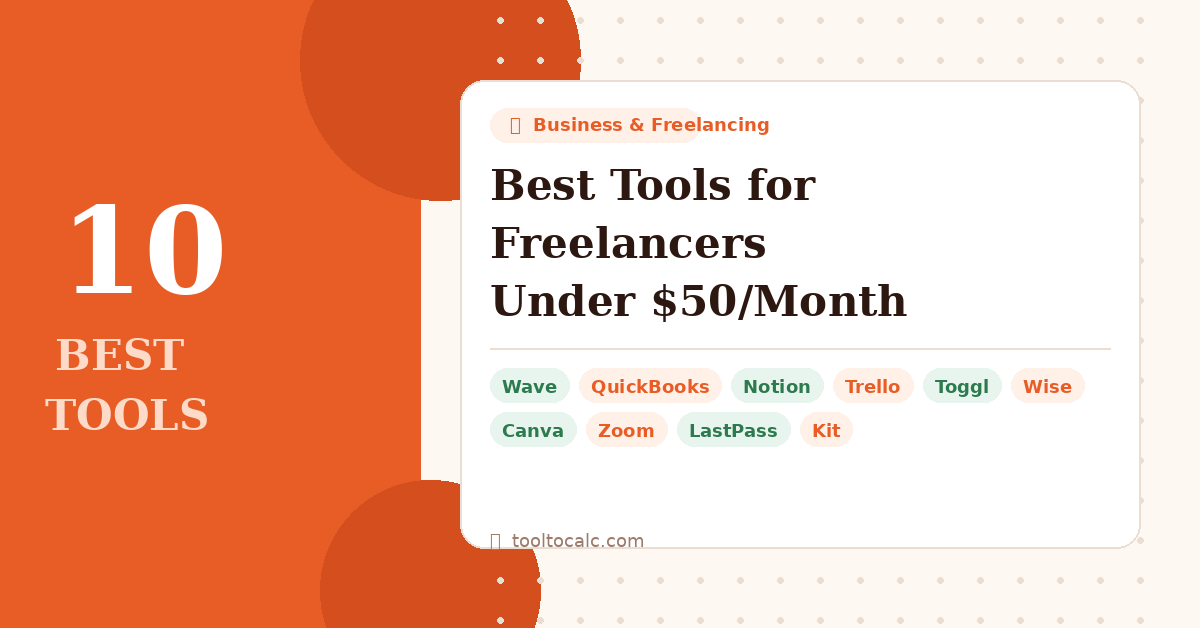
10 Best Tools for Freelancers
Freelancing gives you freedom — but the wrong tools can quietly eat into your income. Between project management, invoicing, accounting, and communication, it’s easy to end up paying $300/month for software before you’ve even landed your next client.
The good news? You don’t need expensive tools to run a professional freelance business. Every tool on this list costs under $50/month — and most have a completely free plan to get you started.
Before we dive in — if you’re not sure what to charge your clients, use our free Freelance Rate Calculator to figure out your minimum hourly rate based on your income goals and expenses.
👉 Quick List: Best Freelancer Tools Under $50/Month
- Wave — Best free invoicing & accounting
- QuickBooks — Best full-featured accounting
- Notion — Best all-in-one workspace
- Trello — Best simple project management
- Toggl Track — Best time tracking
- Wise — Best for international payments
- Canva — Best for design & proposals
- Zoom — Best for client calls
- LastPass — Best password manager
- Kit — Best for freelancers building an audience
1. Wave — Best Free Invoicing & Accounting
✓ Free forever
Wave is the best free accounting software for freelancers. It lets you send unlimited professional invoices, track income and expenses, connect your bank account, and generate basic financial reports — all completely free.
The only time you pay is if you use their payment processing (2.9% + 30¢ per transaction) or payroll features. For most solo freelancers, the free plan covers everything you need.
Best for: Freelancers just starting out who need professional invoicing without monthly fees.
Price: Free (payment processing fees apply) Try Wave Free →
2. QuickBooks — Best Full-Featured Accounting
From $17.50/month
QuickBooks is the gold standard for freelance accounting. It connects to your bank, automatically categorizes transactions, tracks mileage, estimates quarterly taxes, and makes tax season dramatically less painful.
If you’re earning serious freelance income and working with an accountant, QuickBooks is worth every penny. Your accountant will thank you.
Best for: Established freelancers with complex finances, multiple income streams, or who work with an accountant.
Price: From $17.50/month (often discounted 50% for first 3 months) Try QuickBooks Free for 30 Days →
3. Notion — Best All-in-One Workspace
✓ Free for personal use
Notion is the Swiss Army knife of freelance productivity. Use it to manage client projects, write proposals, store contracts, track deadlines, take meeting notes, and build a personal knowledge base — all in one place.
The free plan is genuinely powerful for solo freelancers. You only need to upgrade if you’re collaborating with a team.
Best for: Freelancers who want one tool to replace five — project tracker, note-taker, proposal writer, and client database.
Price: Free personal plan / $10/month for Plus Try Notion Free →
4. Trello — Best Simple Project Management
✓ Free plan available
Trello uses a simple drag-and-drop card system to help you manage multiple client projects without anything falling through the cracks. Create a board for each client, add cards for each task, and move them from To Do → In Progress → Done.
It takes about 10 minutes to set up and instantly makes you look more organized to clients.
Best for: Freelancers juggling multiple clients who need a visual way to track what’s happening where.
Price: Free / $5/month for Standard Try Trello Free →
5. Toggl Track — Best Time Tracking
✓ Free for up to 5 users
If you charge by the hour, Toggl Track is non-negotiable. Hit start when you begin working, stop when you’re done. At the end of the month it shows you exactly how many hours you spent on each client — ready to attach to your invoice.
It also helps you realize which clients take up more time than they’re paying for — one of the most eye-opening things a new freelancer can discover.
Best for: Any freelancer who charges hourly or wants to understand where their working hours actually go.
Price: Free / $9/month for Starter Try Toggl Free →
6. Wise — Best for International Payments
✓ Free to open
If you have clients in other countries, Wise saves you a significant amount of money on every payment. Traditional banks charge 3–5% in hidden exchange rate fees. Wise charges a small transparent fee and uses the real mid-market rate.
You get local bank account details in multiple currencies — so US clients pay you in USD, UK clients in GBP, and you convert at the best rate.
Best for: Freelancers with international clients who are losing money on bank transfer fees.
Price: Free account / small per-transfer fee Open a Wise Account Free →
7. Canva — Best for Design & Proposals
✓ Free plan available
Canva lets you create professional proposals, media kits, presentations, social graphics, and branded documents without any design skills. The free plan has thousands of templates that look polished and professional.
A well-designed proposal can be the difference between winning and losing a client. Canva makes it easy to look like you have a design team behind you.
Best for: Freelancers who need to create client-facing documents that look professional without hiring a designer.
Price: Free / $14.99/month for Pro Try Canva Free →
8. Zoom — Best for Client Calls
✓ Free plan available
Zoom remains the most reliable video call tool for client meetings. The free plan gives you unlimited 1-on-1 calls and 40-minute group calls — more than enough for most freelancers.
Clients expect it, it works on every device, and the screen sharing is rock solid for presenting work or walking through revisions.
Best for: Every freelancer who has client calls. This is a non-negotiable.
Price: Free / $13.32/month for Pro. Try Zoom Free →
9. LastPass — Best Password Manager
From $3/month
As a freelancer you manage dozens of client accounts, tools, and logins. A password manager keeps everything secure and auto-fills logins so you’re not wasting time resetting passwords or — worse — reusing the same one everywhere.
One security breach can cost you clients and reputation. A password manager is cheap insurance.
Best for: Every freelancer who manages multiple client accounts and tools.
Price: From $3/month Try LastPass →
10. Kit — Best for Freelancers Building an Audience
✓ Free up to 10,000 subscribers
If you want to stop chasing clients and start having them come to you, building an email list is the most powerful thing you can do. Kit (formerly ConvertKit) is built specifically for freelancers and creators who want to grow an audience and eventually sell services or products to them.
The free plan lets you grow to 10,000 subscribers — more than enough to build a freelance business that generates inbound leads consistently.
Best for: Freelancers who want to build a personal brand, attract inbound clients, and reduce reliance on job boards.
Price: Free up to 10,000 subscribers / $25/month for Creator Start with Kit Free →
Quick Comparison: All 10 Tools at a Glance
| Tool | Best For | Free Plan | Paid From |
|---|---|---|---|
| Wave | Invoicing & accounting | Yes | Free |
| QuickBooks | Full accounting | Trial only | $17.50/mo |
| Notion | All-in-one workspace | Yes | $10/mo |
| Trello | Project management | Yes | $5/mo |
| Toggl Track | Time tracking | Yes | $9/mo |
| Wise | International payments | Yes | Per transfer |
| Canva | Design & proposals | Yes | $14.99/mo |
| Zoom | Client calls | Yes | $13.32/mo |
| LastPass | Password management | Limited | $3/mo |
| Kit | Email list building | Yes | $25/mo |
The Bottom Line
You don’t need expensive software to run a professional freelance business. Start with the free plans — Wave for invoicing, Notion for organization, Toggl for time tracking, and Zoom for client calls. That’s a complete freelance toolkit for $0/month.
As your income grows, upgrade where it makes sense — QuickBooks when your finances get complex, Kit when you’re ready to build an audience, Canva Pro when you need more design power.
And if you haven’t figured out what to charge yet — use our free Freelance Rate Calculator to find your minimum hourly rate based on your income goals, expenses, and billable hours. It takes 2 minutes and could be worth thousands of dollars in extra income.
🔗 Related Calculators & Tools